









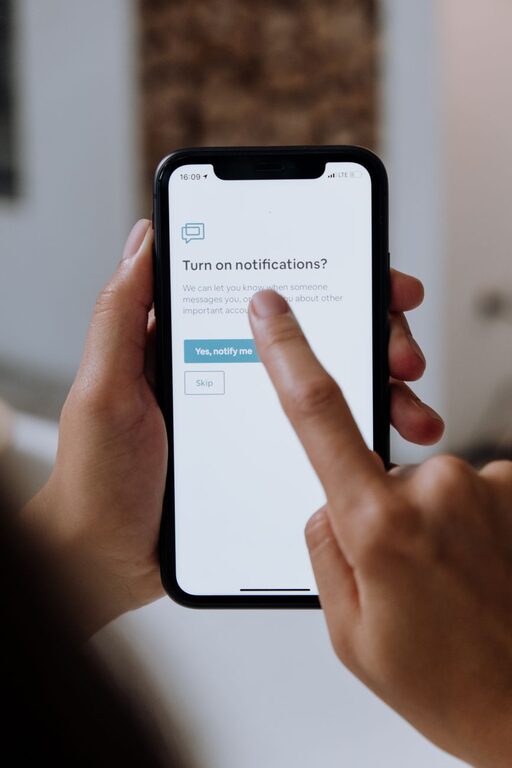
In today’s digital world, notifications can be both helpful and overwhelming. They keep us informed, but constant alerts can disrupt our focus, increase stress, and affect our productivity. Setting clear boundaries with notifications is essential to maintaining a healthy balance between staying connected and protecting your time and attention.
In this post, we’ll explore practical tips for managing your notifications effectively so you can regain control over your digital environment.
Why Setting Boundaries with Notifications Matters
Notifications are designed to grab our attention, often pulling us away from important tasks or relaxing moments. When unchecked, they can lead to:
– Reduced concentration and productivity
– Increased anxiety or stress
– Interrupted personal time and sleep
By consciously managing notifications, you take charge of your time, improve focus, and create a more peaceful day-to-day experience.
Identify Your Notification Priorities
The first step in setting boundaries is understanding which notifications are truly important to you.
– Review your apps: Look at all the apps sending notifications and ask yourself if each alert provides value or urgency.
– Group notifications: Prioritize notifications related to work, family, or urgent matters over less important alerts like promotional messages.
Knowing what deserves your immediate attention helps you decide which notifications to keep and which to silence.
Customize Notification Settings for Each App
Most smartphones and computers allow you to customize notification preferences per app. Use these settings to tailor alerts to your needs.
– Turn off non-essential notifications: Disable alerts from apps that aren’t urgent or important.
– Use “Do Not Disturb” or Focus modes: Schedule quiet hours during work, meetings, or sleep where only select notifications come through.
– Prioritize notifications: Some devices let you mark certain contacts or apps as priority so you don’t miss critical messages.
Taking time to adjust these settings enhances control and reduces interruption.
Set Specific Times to Check Notifications
Instead of reacting instantly to every alert, build habits around checking notifications intentionally.
– Designate “notification breaks”: For example, check messages only every hour or at specific times during the day.
– Avoid constant phone checking: Resist the urge to peek at notifications whenever your device buzzes. This habit reduces distractions and improves focus.
– Turn off notification previews: This stops tempting content from appearing on your lock screen and triggering impulsive responses.
By controlling when you engage with notifications, you reduce the stress of feeling “always on.”
Use Technology Tools Wisely
Several tools and features can help manage notification flow without missing what’s important.
– Notification summaries: Some devices can bundle alerts to be delivered at set times rather than constantly.
– App timers: Limit daily time spent on apps that generate excessive notifications, like social media.
– Third-party apps: Consider apps designed to help manage notifications or block distractions during focus periods.
These features allow you to balance connectivity with calm more easily.
Communicate Your Boundaries to Others
If you set strict rules around notifications, it can be helpful to let friends, family, and colleagues know your preferences.
– Let them know your preferred contact times: If possible, share when you’re most available for non-urgent messages.
– Use status messages: Many chat apps let you set status notes explaining if you’re focusing or unavailable.
– Encourage alternative communication: For urgent issues, suggest phone calls or in-person discussions instead of relying solely on messaging apps.
Clear communication reduces misunderstandings and supports your boundary-setting efforts.
Create a Notification-Free Space and Time
A key boundary is designating times and places where notifications are turned off completely.
– Bedroom and sleep time: Avoid notifications at night to promote restful sleep.
– Focused work sessions: Use “Do Not Disturb” or airplane mode during deep work periods.
– Family meals or social time: Keep devices silent or away to be present with loved ones.
Building routines around notification-free moments helps restore balance.
Regularly Reassess Your Notification Settings
Our needs and priorities evolve, so it’s good practice to periodically review your notification settings.
– Clean up apps: Delete or disable apps you no longer use.
– Adjust priorities: Shift notification preferences based on changing work or personal demands.
– Experiment with boundaries: Try new limits and see what improves your focus and well-being.
Consistency in reviewing your settings ensures your notification habits stay aligned with your goals.
—
Setting boundaries with notifications doesn’t mean disconnecting completely. It’s about creating a healthy relationship with technology where you control when and how you get alerted. By prioritizing important messages, customizing alerts, scheduling check-ins, and carving out quiet time, you can reduce stress and boost productivity.
Start small, be patient, and adjust your strategies as needed. Over time, these habits lead to a more focused, peaceful day—both online and offline.